Chromium vs Chrome vs Edge: What's Actually Different Under the Hood
A practical look at chromium vs chrome vs edge — what it does, how it works, and where the real-world tradeoffs live for developers and privacy-conscious users.
By Sofia Reinholt · 6 min · 18 June 2025
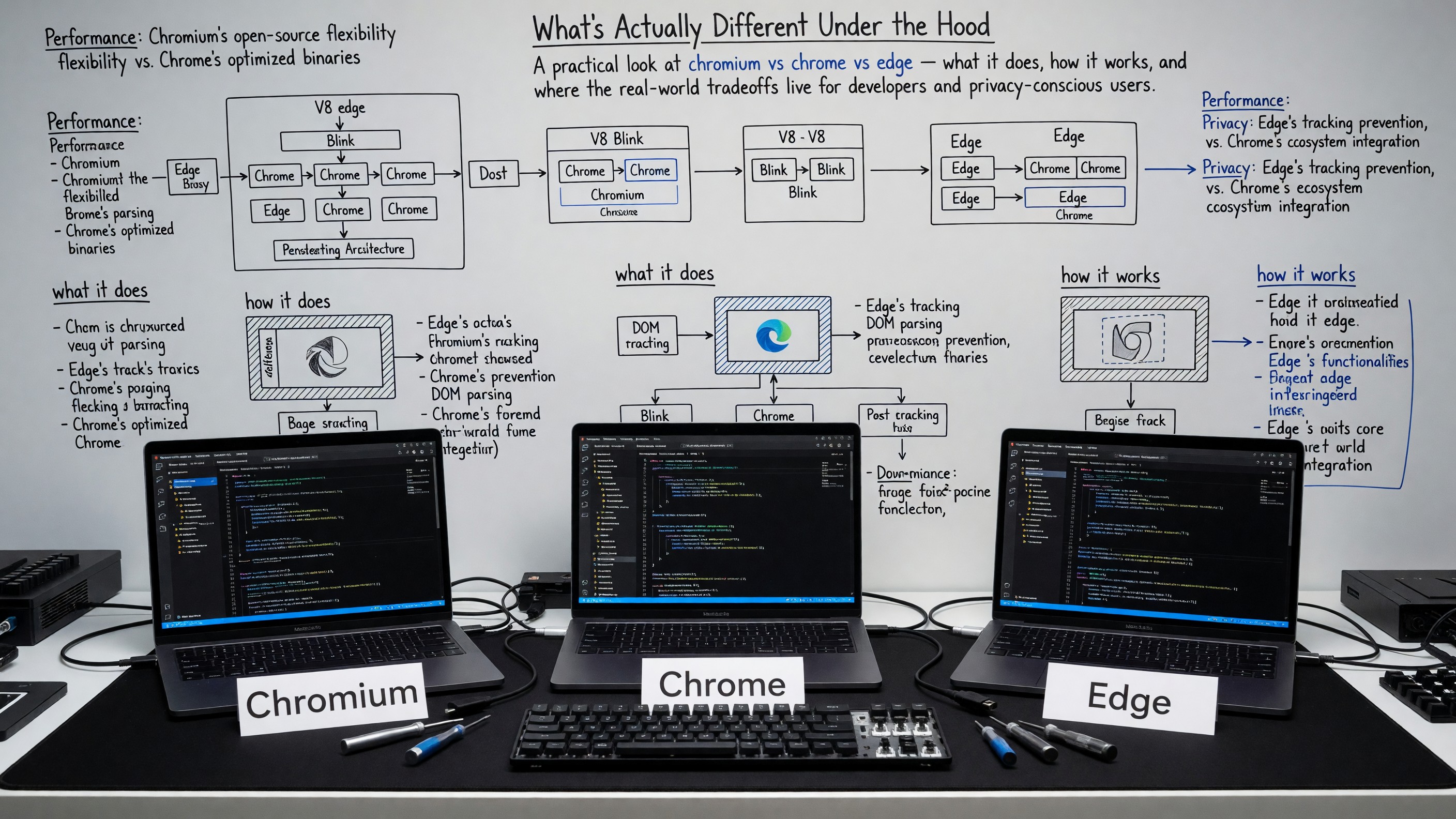
Chromium vs Chrome vs Edge: What’s Actually Different Under the Hood
Chromium, Chrome, and Edge share the same rendering engine, JavaScript engine, and broad extension API surface. Explaining what’s different without either trivializing the distinctions or overstating them requires understanding the relationship between the open-source project, the product Google builds from it, and the product Microsoft builds from it.
Chromium: The Shared Foundation
Chromium is the open-source browser project from which both Chrome and Edge are derived. The Chromium source includes Blink (the rendering engine), V8 (the JavaScript engine), Skia (the graphics library), and most of the browser chrome. It is maintained primarily by Google employees, with contributions from Microsoft, Samsung, Intel, Igalia, and others.
Chromium itself is a complete, buildable browser. You can download a Chromium build and use it. What Chromium does not include: Google’s proprietary services (Sync, Safe Browsing using Google’s servers, crash reporting to Google), the Widevine DRM component, and some media codecs that require licensing (AAC, H.264 on some platforms). Chromium uses its own update mechanism that may be less aggressive than Chrome’s.
The critical point: Google controls the Chromium project. Contributions from others are accepted, but Google employees hold final decision-making authority on API design, deprecations, and feature direction. When Chrome and Chromium diverge, it’s usually because Chrome adds Google-proprietary functionality on top of the open-source base. The Chromium project’s development documentation covers the code organization in detail.
What Google Adds in Chrome
Chrome is Chromium plus:
- Google Account sync. Syncs history, bookmarks, passwords, settings, and open tabs through Google’s servers. The data is encrypted in transit but not end-to-end encrypted — Google can read synced data unless you use a passphrase.
- Safe Browsing. Two modes: Standard (sends partial URLs to Google for lookup), Enhanced (sends full URLs and page content, provides more protection). Neither is “private” against Google.
- Widevine DRM. Required for Netflix, Disney+, and other streaming services in the browser. Chromium builds don’t include it.
- Automatic updates. Chrome updates silently and aggressively, which is a security feature.
- Google-specific APIs. Some Chrome APIs connect to Google services — Cast, certain Search features, the Chrome Media Router.
- Telemetry. Usage statistics and crash reports go to Google by default, configurable.
For most users, the Google additions are the point — the sync infrastructure is convenient, Safe Browsing is genuinely protective, and Widevine is needed for video streaming. The privacy cost is that your browsing data participates in Google’s ecosystem.
What Microsoft Adds in Edge
Edge wasn’t always built on Chromium — Microsoft’s original EdgeHTML engine was retired in favor of a Chromium rebase that reached general availability in January 2020, a switch that eliminated an entire compatibility target for extension developers overnight. See our look at what the Chromium relaunch meant for extension developers for the details of that transition.
Edge is Chromium plus Microsoft’s layer, which includes:
- Microsoft Account sync. Similar to Chrome’s Google sync — syncs to Microsoft’s servers, not end-to-end encrypted.
- Bing integration. Default search, Copilot (Bing-powered AI) in the sidebar, Shopping features that ping Microsoft’s servers to compare prices.
- Tracking Prevention. Three modes (Basic, Balanced, Strict) with Balanced enabled by default. Balanced blocks known trackers from sites you haven’t visited while allowing them on sites you have, to reduce breakage. This is a different approach than Chrome’s default, which has no tracker blocking at all.
- Collections. A browser-native bookmarking/note-taking system that syncs to Microsoft’s cloud.
- IE Mode. Can render pages in the legacy Internet Explorer engine (Trident), necessary for enterprise web apps that haven’t been updated. Not relevant for most users but significant for enterprise IT.
- Telemetry. Microsoft collects browser telemetry; the amount and type can be adjusted in Settings.
Edge’s Tracking Prevention is a meaningful out-of-box privacy improvement over Chrome. The Microsoft additions are in some ways more intrusive than Chrome’s — Copilot is more aggressive about surfacing itself, Shopping suggestions phone home on retail pages — but the tracking prevention and the Chromium base make it a reasonable default for Windows users who don’t want to install Firefox.
The Privacy Comparison in Practice
Chromium (without Google’s additions): Minimally phone-home behavior. No Google sync, no Safe Browsing by default, no crash reporting. The browser is nearly silent. The tradeoff is no update mechanism and missing media codecs.
Chrome with all telemetry and sync enabled: Extensive data sharing with Google. Your browsing history, searches, form fills, and clicked links form part of Google’s profile of you. This is the default installation for most users worldwide.
Edge with Balanced tracking prevention and minimal Copilot use: Better privacy than Chrome defaults, worse than Firefox Strict mode. Microsoft gets telemetry and account sync data if you sign in.
For a detailed evaluation of what each browser actually sends, the Privacy Guides browser comparison is a useful reference, though it’s worth checking dates — the browsers update frequently.
Developer Implications
For web developers, the practical difference between Chrome and Chromium is usually irrelevant — the rendering engine, DevTools, and extension APIs are identical. Edge adds a few enterprise-specific APIs (for IE Mode, Edge-specific extensions), but for standard web development, Chrome DevTools and Edge DevTools are interchangeable.
Where it matters: if you’re testing browser-specific behavior around APIs that interact with platform services (Web Authentication, media DRM), Chrome and Edge may diverge because they connect to different platform services. Chromium may lack those services entirely.
The Manifest V3 extension API is a Chromium project decision, not a Chrome or Edge decision — both browsers inherit it. Firefox’s implementation is different and explicitly more permissive for webRequestBlocking (developer.mozilla.org/en-US/docs/Mozilla/Add-ons/WebExtensions/manifest.json has the current spec).
Which to Use
Use Chrome if you’re deeply in Google’s ecosystem, need maximum compatibility testing for web apps, or need Widevine for streaming and don’t want to add it separately.
Use Edge if you’re on Windows and don’t want to install a non-Microsoft browser, need IE Mode for enterprise apps, or want built-in tracker blocking without Firefox.
Use Chromium if you want a Chromium-based browser with minimal Google or Microsoft entanglement and are comfortable managing updates yourself.
Use Firefox if you want a browser not derived from Chromium, better extension privacy protection from MV3 restrictions, and Mozilla’s governance model instead of Google’s.
FAQ
Does Chromium have all the same security patches as Chrome? Mostly, but timing varies. Chrome’s autoupdate means security patches ship to users within hours of release. Chromium builds are managed by the user or a third party and may lag. For production use, the autoupdate model of Chrome or Edge is meaningfully more secure.
Is Edge just Chrome with a Microsoft skin? At the engine level, yes. The browser chrome, services layer, and integrations are Microsoft’s. The rendering and JavaScript behavior is essentially identical. For web compatibility purposes, Edge and Chrome are interchangeable.
Do Chromium-based browsers all share bugs? Engine bugs — yes. A Blink vulnerability affects Chrome, Edge, Brave, Opera, and every other Chromium-based browser simultaneously. This is the primary argument for browser diversity and maintaining Firefox as a separately-engineered alternative.
Why does Google maintain Chromium as open source? Several reasons: regulatory (it’s easier to argue Chrome is a standard if it’s based on open-source code), ecosystem (Chromium’s broad adoption means the web platform reflects Chromium’s capabilities), and talent (open source attracts contributors). The open-source nature doesn’t mean Google has surrendered control of the project.