Browser Built-In Password Managers vs Dedicated Tools: A Security Comparison
A practical look at browser password managers comparison — what it does, how it works, and where the real-world tradeoffs live for developers and privacy-conscious users.
By Sofia Reinholt · 6 min · 22 January 2025
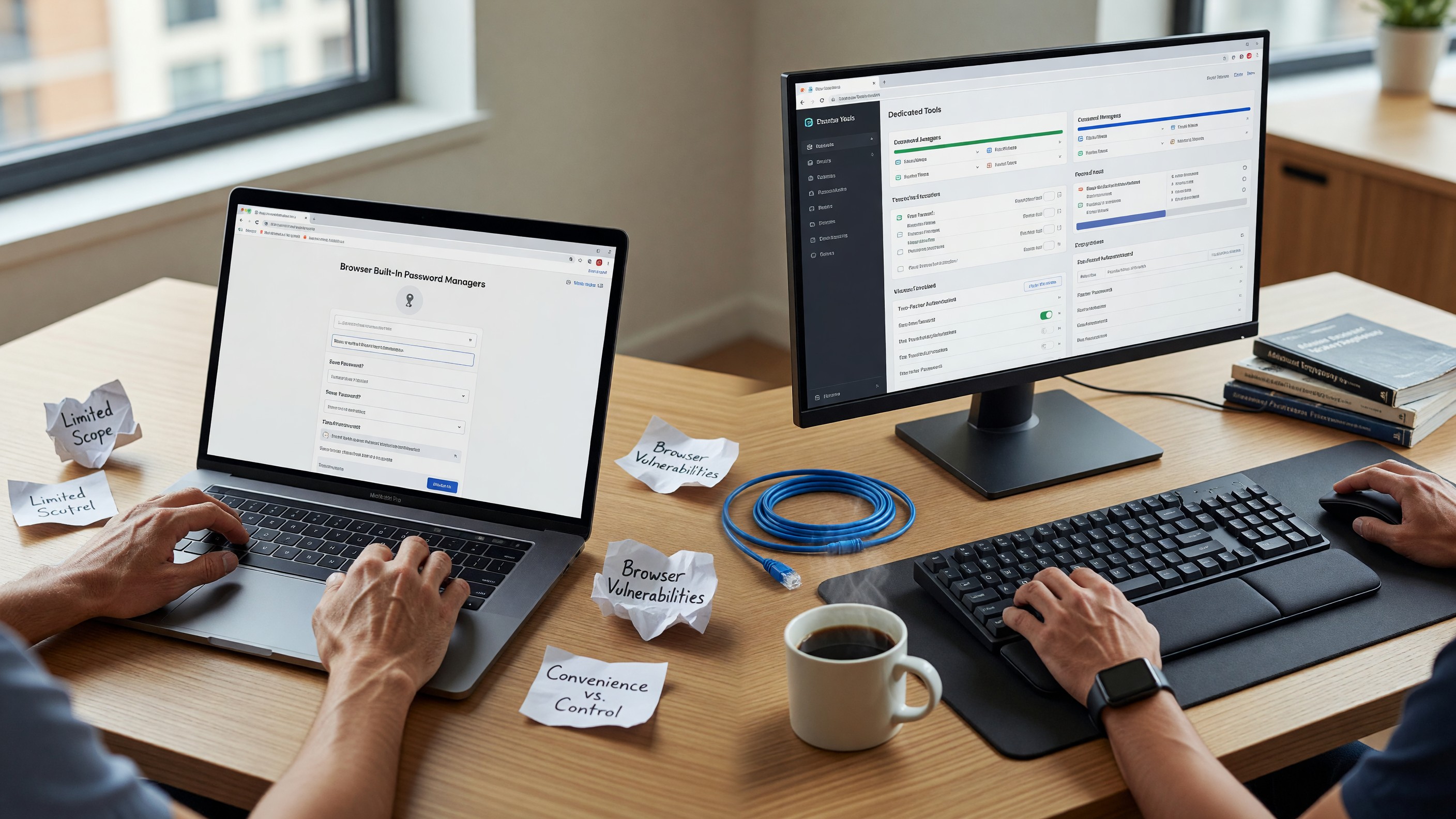
Browser Built-In Password Managers vs Dedicated Tools: A Security Comparison
Browser-based password managers have improved substantially. Chrome’s password manager now includes breach monitoring, strong password generation, and cross-device sync. Firefox’s built-in password storage is competent. Safari’s Keychain integration on Apple devices is genuinely seamless. The question isn’t whether browser password managers are usable — they are — but whether the security and capability tradeoffs are acceptable compared to dedicated tools like Bitwarden, 1Password, or KeePassXC.
How Browser Password Storage Works
Chrome, Firefox, and Edge all store passwords locally in an encrypted database. The encryption key is protected by the operating system’s credential store: Windows Credential Manager on Windows, the system Keychain on macOS, and a keyring service on Linux. This means anyone with access to your OS user account can retrieve your browser passwords without knowing a master password — the browser unlocks the OS-level key at login.
Chrome specifically stores passwords in a SQLite database at %LOCALAPPDATA%\Google\Chrome\User Data\Default\Login Data. The encryption uses DPAPI on Windows, Keychain on macOS. If you have physical or remote access to a logged-in Windows session, you can extract Chrome passwords without any additional credentials. Several credential-dumping tools target this specifically.
Firefox adds an optional master password (now called “Primary Password”) that derives an additional encryption key for the password store. With a strong primary password set, extracting passwords from Firefox’s key4.db requires that password, not just OS access. This is a meaningful security improvement over Chrome’s default.
Safari’s password storage goes through iCloud Keychain, which is encrypted end-to-end with keys derived from your Apple ID password and device passcode. Apple cannot read it. This is the strongest security story among the browser-native options for Apple ecosystem users.
Dedicated Password Managers: The Architecture Difference
Dedicated password managers like Bitwarden and 1Password use a zero-knowledge architecture with a separate master password (and often a secret key) that the service provider cannot access. The practical security difference:
- Master password requirement: Dedicated tools require re-authentication after a configurable timeout, even in an active OS session. This limits the attack window if someone has access to your computer while you’re away.
- Cross-browser, cross-device: A dedicated manager works identically in Chrome, Firefox, Edge, and Safari. Browser password managers either lock you into one browser or require awkward export/import.
- No vendor lock-in (for good ones): Bitwarden’s vault can be exported as JSON or CSV. KeePassXC uses the open KDBX format. 1Password has export. Browser managers vary — Chrome exports CSV; Firefox exports CSV but loses some fields; Safari’s export is buried.
- Audit trail and features: Dedicated managers offer secure notes, TOTP generation, document storage, team sharing, emergency access, and breach monitoring as first-class features.
Bitwarden is open source, self-hostable, and independently security audited. For a dedicated manager that costs nothing, it’s difficult to argue against.
Sync Security Comparison
Browser password sync is tied to your browser account. For Chrome, that’s your Google Account. If your Google Account is compromised, your passwords are compromised. Google’s account security is strong (2FA, suspicious activity detection), but the threat model is different from a dedicated manager where a compromised Google account doesn’t help an attacker.
Firefox Sync is end-to-end encrypted with keys derived from your Firefox Account password. Mozilla cannot read synced passwords, even with access to the sync server. This is a significantly better privacy story than Chrome. The Firefox Sync architecture is documented and the implementation is open source.
Bitwarden’s cloud sync is zero-knowledge — they store encrypted ciphertext and cannot decrypt it. 1Password adds a secret key (a randomly generated 34-character string you set up at account creation) to the key derivation, so even if someone gets your master password, they need the secret key too. This is a meaningful defense against password database leaks.
Phishing Resistance
This is the most underappreciated difference between browser password managers and dedicated tools. Browser password managers typically auto-fill passwords based on the domain — if you’re on yourbank.com, the browser fills the yourbank.com credential. A convincing phishing page at yourbank.phishing.com typically won’t match, so the browser won’t auto-fill. This is real, automatic phishing resistance.
Dedicated managers do the same — they match on the stored URL’s domain. But some dedicated managers use fuzzy matching that can be tricked, and manual paste workflows bypass the protection entirely. The auto-fill behavior of your password manager is a meaningful security feature, not just a convenience.
Passkeys represent the next evolution of this. Both Chrome and Safari have shipped passkey support integrated with their platform credential stores (developer.chrome.com/docs/identity/passkeys). Passkeys are phishing-resistant by design — they’re bound to the relying party’s origin, so a phishing domain cannot receive a valid passkey credential. The major dedicated managers have added passkey support too, but the browser-native implementations have a head start on ecosystem coverage.
When Browser Password Managers Are Fine
If you’re a single-person, single-OS, low-threat-model user who lives in the Apple ecosystem: Safari’s Keychain integration backed by iCloud Keychain is genuinely secure and seamless. The cross-device sync through iCloud is encrypted. The phishing protection works. The UX is better than any third-party option on iOS because third-party password managers can’t hook into the OS fill layer as cleanly.
If you’re a Firefox user with a strong primary password set and you don’t need cross-browser access, Firefox’s built-in manager is acceptable. The primary password moves the security closer to dedicated manager behavior.
If you’re using Chrome with no primary password and your Google Account is your only gate: this is the weakest configuration. Anyone with access to your logged-in laptop retrieves all your passwords in seconds.
The Practical Recommendation
For anyone beyond casual use — developers, privacy-conscious users, anyone who does their banking and work on the same computer — a dedicated password manager is the right answer. Bitwarden is the default recommendation: open source, audited, cross-platform, free tier covers most users, paid tier is $10/year and adds TOTP and emergency access.
Use the browser’s built-in manager for low-value accounts where you don’t need cross-browser access and don’t mind vendor lock-in. Use the dedicated manager for everything that matters.
FAQ
Can’t someone just install a malicious extension to steal passwords from any manager? Yes, a sufficiently privileged malicious extension can. This is why extension permissions reviews matter, and why both Chrome and Firefox have restricted what data extensions can access by default. The threat model for extensions is the same regardless of password manager.
Is it safe to store TOTP codes in the same app as passwords? It’s convenient and breaks the “two factors” model — if the app is compromised, both factors are gone. 1Password stores TOTP; Bitwarden does too. For high-value accounts (banking, primary email), use a separate TOTP app like Aegis (Android) or Raivo (iOS). For everything else, storing TOTP in the password manager is an acceptable convenience tradeoff.
What about KeePass / KeePassXC? KeePass and KeePassXC store the vault locally in an open format (KDBX). No sync, no cloud, no company. This is the highest-security option and the most inconvenient. KeePassXC is well-maintained and genuinely good software. If you want no vendor at all and are comfortable managing your own backup, it’s excellent.
Do dedicated managers protect against keyloggers? No better than anything else. If a keylogger is running, it captures your master password. Hardware security keys (FIDO2/WebAuthn) are the best defense against credential theft, and many dedicated managers support them as an additional factor.