Browser VPN Extensions vs Full VPN Clients: What's the Actual Difference?
Browser VPN extensions and full VPN clients sound interchangeable but they protect very different things. Here's where each one helps, where each one fails, and how to choose.
By Sofia Reinholt · 6 min · 22 May 2024
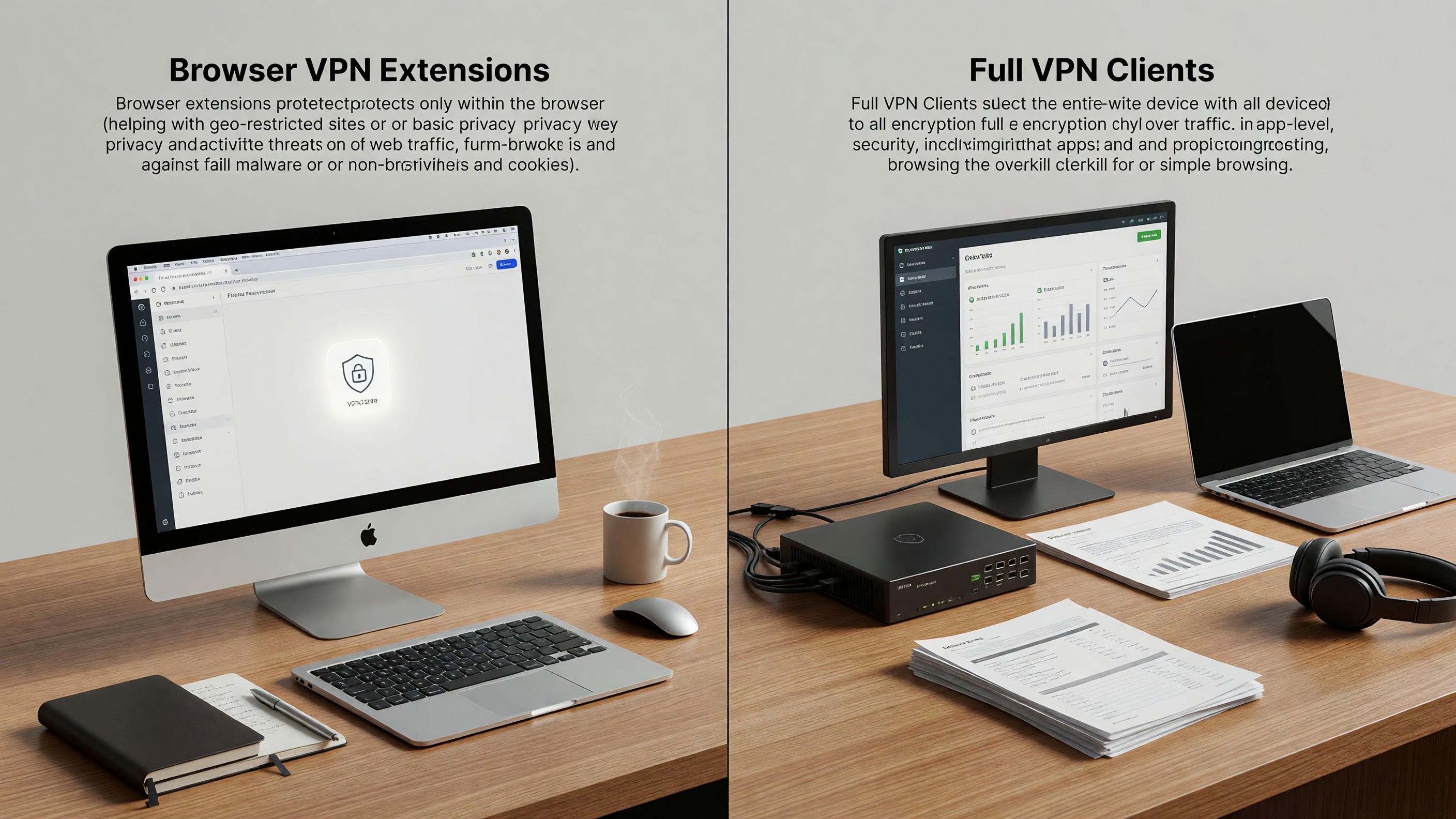
Browser VPN Extensions vs Full VPN Clients: What’s the Actual Difference?
Search “VPN” and you’ll get a flood of browser extensions promising privacy, security, and access to geo-restricted streaming. Search a little harder and you’ll find full-fat VPN clients from the same vendors that do something subtly but importantly different. The marketing language overlaps almost completely, which is convenient for the vendors and confusing for anyone trying to make a real decision. The short version: browser VPN extensions are proxies in a trenchcoat, and full VPN clients are something else entirely.
What a Browser VPN Extension Actually Does
A browser VPN extension is, almost always, an encrypted HTTPS proxy. Your browser’s outbound traffic gets routed through the extension’s configured proxy server, the destination IP that websites see is the proxy’s IP, and the connection between your browser and the proxy is encrypted. That’s it. Nothing else on your machine is affected. Your operating system’s DNS resolver, your other applications, your background sync clients, your update services — they all continue talking directly to the open internet using your real IP and your ISP’s DNS.
This is fine for some use cases. If you want to bypass a regional content restriction on a single website, a browser proxy does the job. If you want to mask your IP from a single tab, a browser proxy works. If you think this is hiding your activity from your ISP, your operating system, or your employer’s network monitor, you are mistaken.
What a Full VPN Client Actually Does
A full VPN client installs a virtual network adapter at the OS level and routes all of your machine’s network traffic through an encrypted tunnel to a remote endpoint. Every application — your browser, your background services, your IM clients, your auto-updaters, your DNS lookups — sees only the VPN interface. Your ISP sees encrypted traffic to a single endpoint. The websites and services you connect to see the VPN’s exit IP.
The practical implications are significant. Background apps don’t leak. DNS doesn’t leak (assuming the client is configured correctly). Your operating system’s own telemetry goes through the tunnel. And if the VPN connection drops, a well-configured client can fail closed — blocking all traffic — rather than transparently falling back to your real IP.
The DNS and WebRTC Leaks Most Extensions Don’t Fix
Two specific failure modes catch browser-VPN users off guard. The first is DNS: even when your HTTPS traffic is being proxied, the DNS lookup that resolved the hostname may have gone directly through your ISP’s resolver. Your ISP, your DNS resolver, and anyone observing your local network sees the hostname you visited even though the traffic itself is encrypted to a proxy. Some browser extensions handle this by tunneling DNS over HTTPS or routing lookups through the proxy, but many do not.
The second is WebRTC. Browser-based real-time-communication APIs can expose your real IP address through STUN requests even when other traffic is proxied. A separate WebRTC IP leak protection layer is usually required, either inside the extension or via browser settings.
Trust Is the Real Question
With either model, you are routing your traffic through someone else’s server. That someone can, by definition, see every destination you connect to and the timing and size of your traffic. If the destination uses HTTPS (most do) they cannot see the content, but they can build a remarkably detailed log of what you’re doing. The privacy promise of a VPN reduces to a trust promise: do you trust this operator more than your ISP?
This is where audit history, jurisdiction, ownership transparency, and business model matter. “Free” VPNs — especially free browser extensions — have a long history of monetizing user data, injecting ads, or being outright spyware. Paid VPNs aren’t automatically trustworthy, but at least their incentives are closer to aligned.
When a Browser Extension Is the Right Choice
Despite all of the above, there are reasonable use cases for a browser VPN extension. If you want to spot-check a website from a different region — for SEO, ad verification, or content testing — a browser proxy is the lightest tool that does the job. If you want a per-tab geo workaround without affecting the rest of your system, an extension is more convenient than toggling a full client. And if you’re already comfortable with the limitations, the user experience is faster: a single click in the toolbar instead of an OS-level tunnel renegotiation.
What a browser extension is not good for is anything that resembles a serious threat model. If you’re worried about a hostile network, a hostile ISP, or any adversary with visibility into your machine’s traffic, you want a full VPN.
How to Decide
Start by writing down what you actually want the VPN to do. “Watch a streaming service from another country” → browser extension is fine. “Hide my activity from my workplace network” → you need a full client and a serious look at your threat model. “Stop my ISP from selling my browsing history” → full client, ideally with DNS over HTTPS configured separately. “Anonymity” → neither product gives you anonymity; that’s what Tor is for, and even Tor has limits.
For related context, see our writeup on DNS over HTTPS and our deeper guide to WebRTC IP leaks.
Frequently Asked Questions
Can a browser VPN extension hide my activity from my ISP?
Only for traffic that goes through the browser, and only if DNS is also being tunneled. Background OS services, update checks, and any other app on your machine will continue to talk to your ISP directly.
Are free VPN extensions safe to use?
Most are not. The economics don’t work — running VPN infrastructure costs money — and the most common monetization models are data resale, ad injection, or selling the extension to a less scrupulous owner. There are a few well-regarded exceptions, almost always loss-leaders for a paid product.
Does a full VPN make me anonymous?
No. It changes which party can correlate your traffic — your ISP no longer sees destinations, but the VPN provider does. Anonymity requires a fundamentally different design (Tor or a similar mix network) and even that has caveats.
Should I use a VPN and a browser proxy together?
Rarely useful. Chaining them adds latency without adding meaningful privacy — and if you misconfigure either, you may end up with leaks you didn’t have before. Pick the right tool for the actual job.